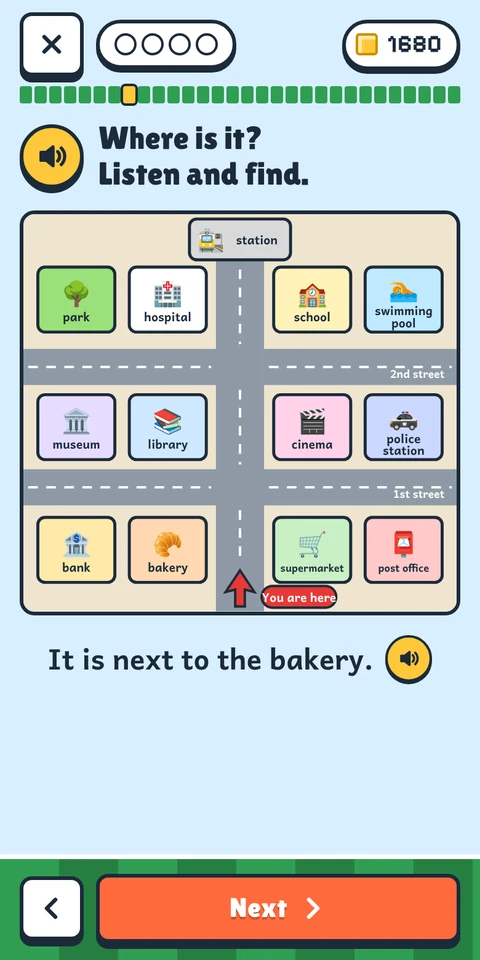
Every page is a game
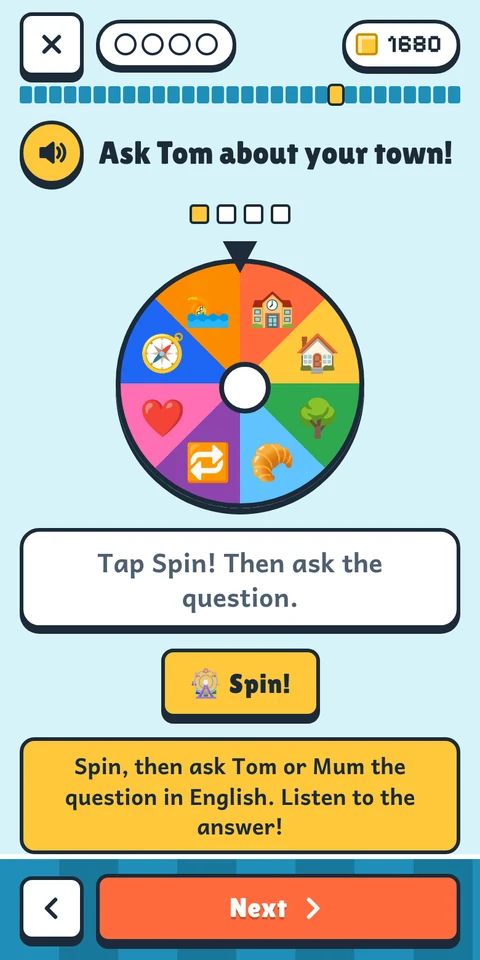
Children tap pictures, build sentences from word blocks, follow directions on a town map, set a clock, paint a pizza and cook with a friendly octopus. A lesson is 30 short pages, and each one asks for something different.

A self-teaching language game for kids. Mobile app.
SKMeaningful screen time on the phone or tablet. Instead of endless videos and games.
Children tap, listen, say sentences out loud on their own and earn prizes.
No ads, no strangers, English is free.
Opens in your browser. Nothing to download from a store.
On a phone or tablet? Scan this code with the camera – LangsCraft opens there.
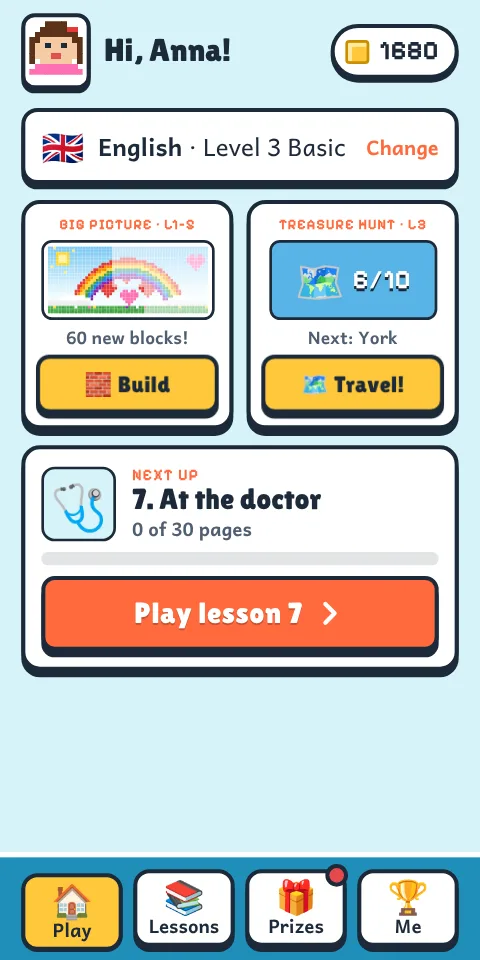
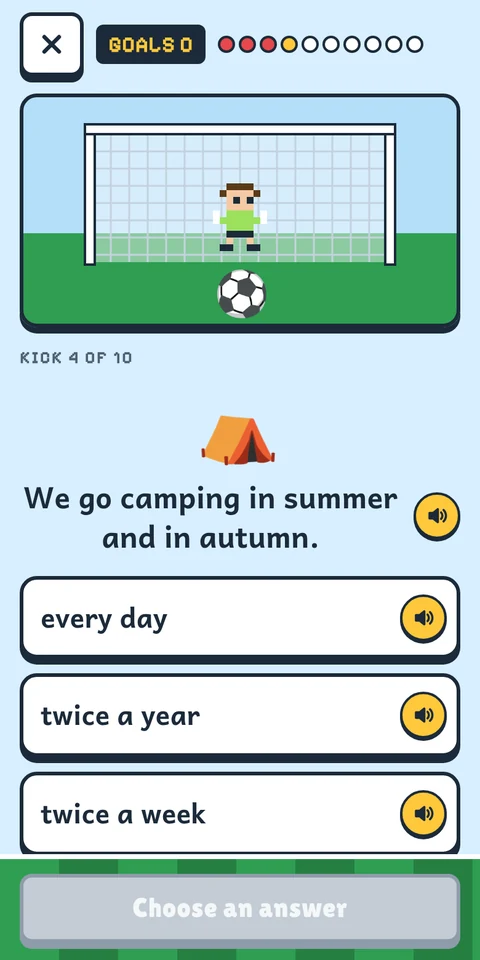
Built around how children learn: by doing, hearing, speaking and being rewarded.
Children tap pictures, build sentences from word blocks, follow directions on a town map, set a clock, paint a pizza and cook with a friendly octopus. A lesson is 30 short pages, and each one asks for something different.
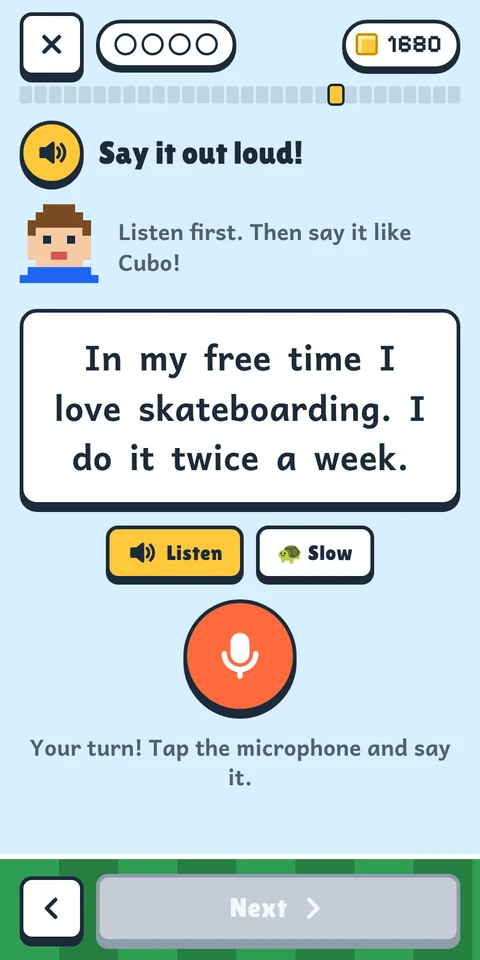
On speaking pages your child hears a sentence, then says it, and the app cheers when it is right. No microphone? They say it along with the app, and the page goes on by itself.
LangsCraft never receives or keeps any audio. How the microphone works.
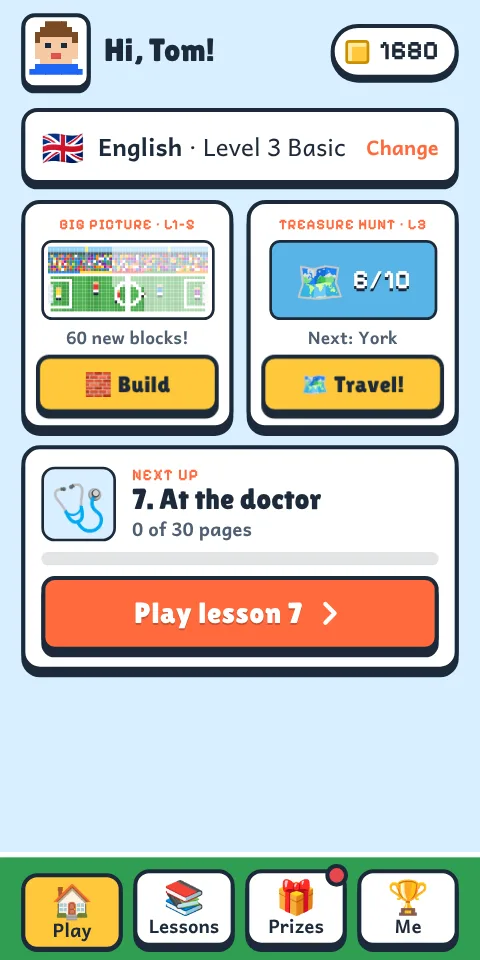
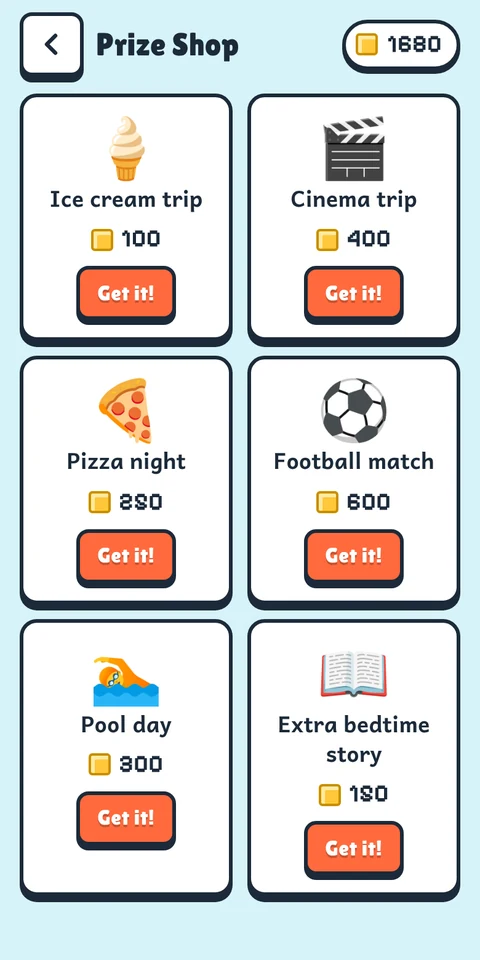
After every lesson your child travels to a famous place on a map – London, Stonehenge, Edinburgh, Loch Ness – and after ten lessons finds a treasure. Every finished page also gives one block for a big picture they choose, built part by part over five levels; then it arrives in your email with a message they chose, like “I love you, Mum!”. A finished lesson earns about 100 coins for prizes from a shop you fill yourself, and every test result comes to your email.
Every word has a picture and a voice, so nobody has to read or translate. A mascot helps on many pages, and the speaker buttons repeat any word or sentence. You can sit next to your child, or leave them to it.
| LangsCraft | Typical language app | |
|---|---|---|
| Made for | Children. Pictures and voices instead of reading. | Adults first, with a kids' mode added. |
| English | Free: every level, no trial. | A free trial, then a subscription. |
| Other languages | €10 once per account. No subscription. | Monthly or yearly payments. |
| Ads | None. | Common in free versions. |
| Speaking | The child says sentences aloud. No recording is kept. | Often tapping and typing only. |
| Other people | No chat, no contact with strangers. Nobody else sees your child's games. | Often friends lists, leaderboards or chat. |
| Parent control | A locked Parents area, results by email, prizes you set. | Varies. |
| Offline | Yes, once a level is loaded. | Often a paid feature. |
| Getting it | Straight from the web. No app-store account. | App-store download. |
"Typical" describes patterns across popular apps. Individual apps differ.
English has 10 levels from Pre-A1 up to about B2+/C1 (the European CEFR scale – an approximate guide), with 10 lessons each. 100 of the 100 lessons are ready: levels 1 to 10 are finished. New lessons are added regularly.
Each child picks a world with its own helper.

Cubo, a block football. Build a stadium, play The Big Match.

Zip, a little robot. Build a rocket base, play Rocket Countdown.

Bubbles, a friendly octopus. Build a coral reef, play Treasure Dive.

Ember, a baby dragon. Build a castle, play The Dragon Race.

Turbo, a little race car. Build a race track, play The Grand Prix.
Thirty short pages, then a test game. The next lesson opens when the test game has been played.
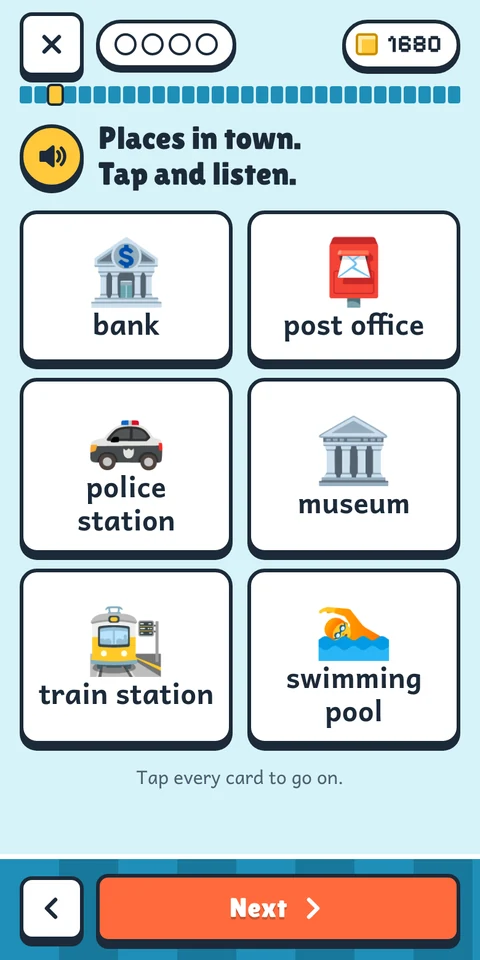
Pictures with a voice for every word.
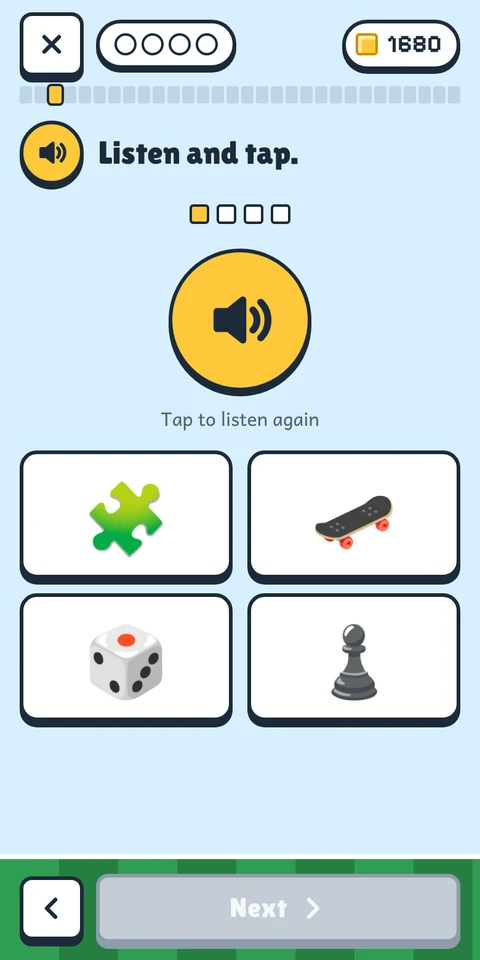
Hear a word, find the picture.
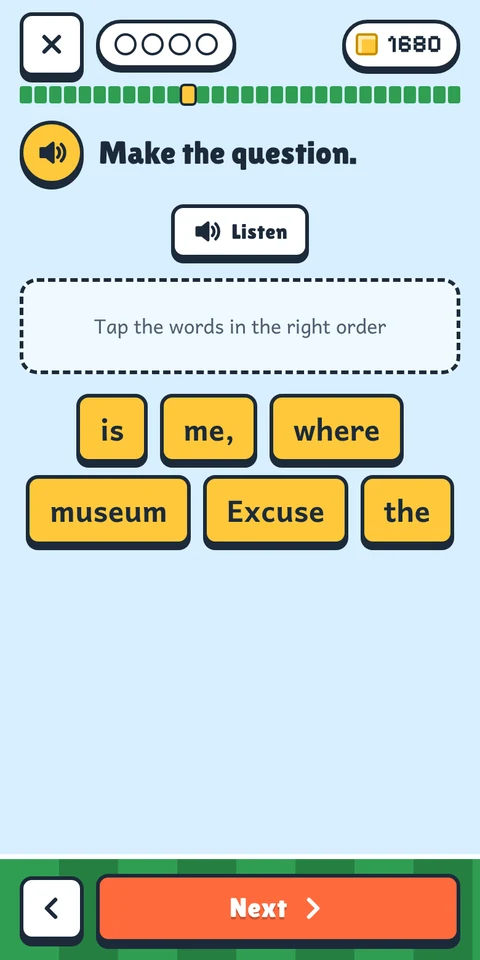
Put word blocks in the right order.
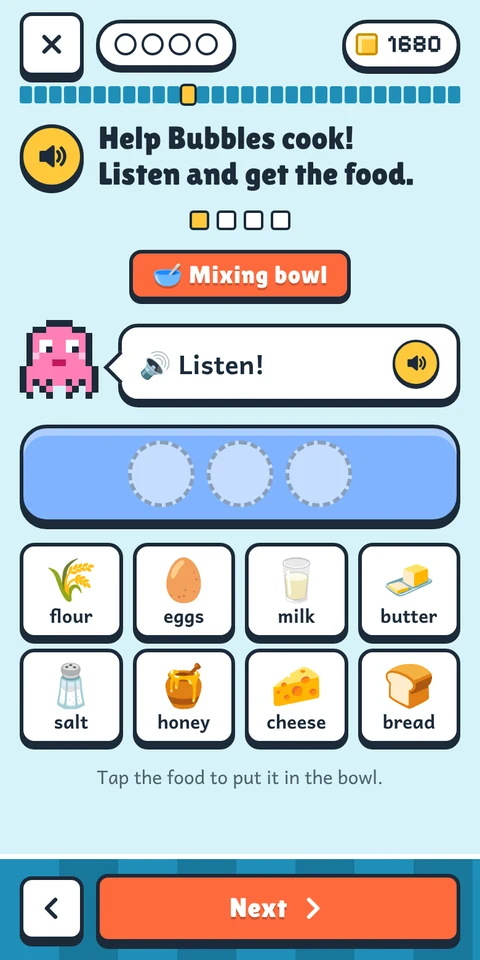
Maps, clocks, cooking, painting and more.
Listen, then speak. The app checks.
Ten questions. Coins for every lesson.
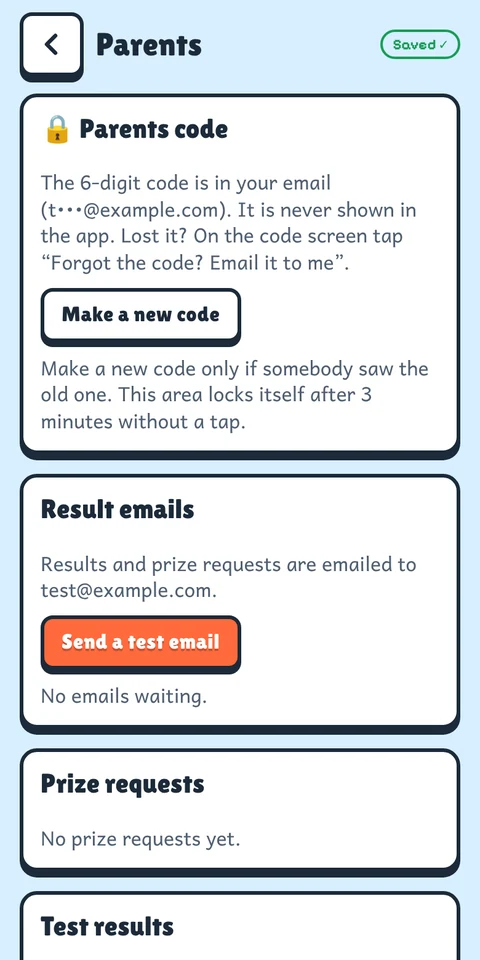
Children play on their own screen. Settings, prizes, results and payments sit behind a Parents code that only you receive.
A school account holds up to 60 pupils once we have confirmed that it is a school (a short request in the app). A confirmed school can pay by invoice with a bank transfer. The school stays in control of the pupils' data, and we sign a data processing agreement on request. Write to us about school discounts.
LangsCraft follows the EU's GDPR rules for children's data. Only adults (18 or over) create accounts, as the parent or guardian, or as a teacher with the parents' permission.
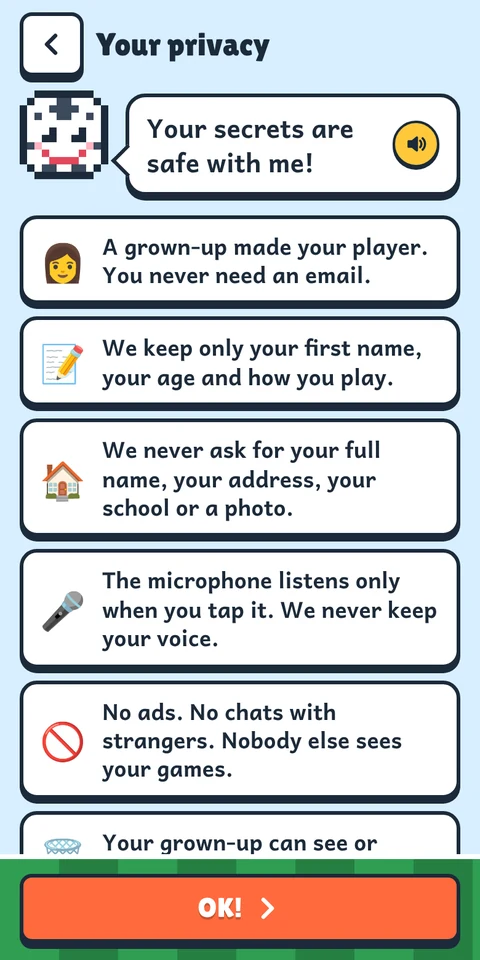
In the Parents area you can see and correct everything, download all your family's data as a file, remove a player or delete the whole account. Removing a player also deletes their results and prize requests. The app also explains privacy to children, in simple words and read aloud.
The microphone only listens after a child taps it, for one sentence. In Chrome the spoken sentence is turned into text by Google's speech service. LangsCraft compares that text on the device and never receives, records or keeps audio.
You can switch the speaking check off per device, or block the microphone in the phone's settings. The lessons still work: the child hears the sentence, says it aloud, and the page goes on by itself.
| Cloudflare | Hosts the app and its database, and keeps it secure. |
|---|---|
| Resend | Sends sign-in codes, results and prize requests to your email. |
| Paddle | Takes payments for extra languages as the seller of record and handles the VAT. We never see card numbers. |
| Turns speech into text in Chrome, only after a child taps the microphone. |
Some of these companies process data outside the EU under EU-approved safeguards.
This page uses no cookies, no analytics and no outside fonts or scripts, so there is no cookie banner.
We earn only from extra languages. That is why there are no ads and no data selling.
Free
Every level, every lesson, every player on your account. No trial and no card needed.
€10once
Paid once per account, for all levels and all your players. No subscription, nothing renews. Lessons 1–3 of every language are free to try.
Payments happen only in the locked Parents area, handled by Paddle. 30-day money-back, no reason needed.
Each one is added only when it is complete – all 10 levels. Until then it shows "Coming later" in the app and cannot be bought. When it arrives, lessons 1–3 are free to try.
LangsCraft is a web app (a PWA). It installs from your browser, takes little space, updates itself and needs no app-store account.
Sign in with your email. You get a 6-digit code, no password. Then add your child, pick a world and tap Play lesson 1.
Two devices? Scan this code with the camera of your phone or your child's tablet – LangsCraft opens there, ready to install.
LangsCraft is made for primary-school children. Level 1 needs no reading: every word has a picture and a voice. The higher levels, up to upper-intermediate (about B2+), grow with the child.
No. Everything is spoken aloud and explained with pictures. You can sit with your child or leave them to play.
English is free for every level, with no trial and no card. We earn only from the other languages, which cost €10 once per account. That is why there are no ads and we do not sell data.
An adult signs in with an email address and a 6-digit code (no password). That keeps progress safe on all your devices and lets us send you results. Children never give an email.
Yes. Once a level has been loaded, lessons and tests work without internet. Progress is saved on the device and synced when it is online again.
It is made and tested on Android phones and tablets in Chrome. It also opens in other modern browsers on phones and computers. The speaking check needs a browser that supports it. Where it isn't available, children say the sentence along with the app and the page goes on by itself.
No. See the microphone, honestly. You can also switch the speaking check off on any device.
No. There is no chat with other users and nobody else sees your child's games. The chats in the lessons are with the mascot and happen inside the lesson.
A family account has up to 6 players, for example brothers, sisters and cousins. A school or class can have up to 60 pupils after we have confirmed that it is a school. Each child has their own player, level, world and coins.
Ten mistakes are allowed in a lesson by default (5, 10, 20 or no limit – you choose in the Parents area). One more takes your child back five pages to play them again, not back to the start, and the coins and blocks already earned stay. Speaking pages and the test game don't count.
In the Parents area you can download all your data, remove a player (their results and prize requests go too) or delete the whole account.
One at a time. A language is added only when all its 10 levels are ready, so you never pay for a half-finished course. Until then it shows "Coming later". When it arrives, your child can play lessons 1–3 for free before you decide.
Yes. Within 30 days of buying you can ask for a refund without giving a reason. Ask Paddle, the seller of record, at paddle.net, or write to support@nextime67.com. The details are in the terms of use.
Yes. Ask for your school to be confirmed in the app (Parents → Account). After we have checked it, one account holds up to 60 pupils and you can pay by invoice with a bank transfer. The school stays in control of the pupils' data, and we sign a data processing agreement on request. Contact us about school discounts.
Write to Nextime67 at support@nextime67.com. We answer within 3 days.
LangsCraft is an independent product of Nextime67, a small software company in Slovakia.
It began as a family project: a parent building English lessons for their own two children, and finding that nothing available was free, ad-free and fun at the same time. We kept the rules we set for our own kids: